
Illuminance
We calculate lighting on working and usable surfaces and compare it with the requirements agreed for the specific task. Assessment planes and heights are documented.
Good lighting starts with a detailed understanding of your project. We assess spaces, visual tasks and workflows, recreate the situation in 3D and use DIALux to develop a suitable lighting solution.
From the first floor plan and calculations to CAD files and installation drawings, you receive a coordinated basis for decisions and implementation.
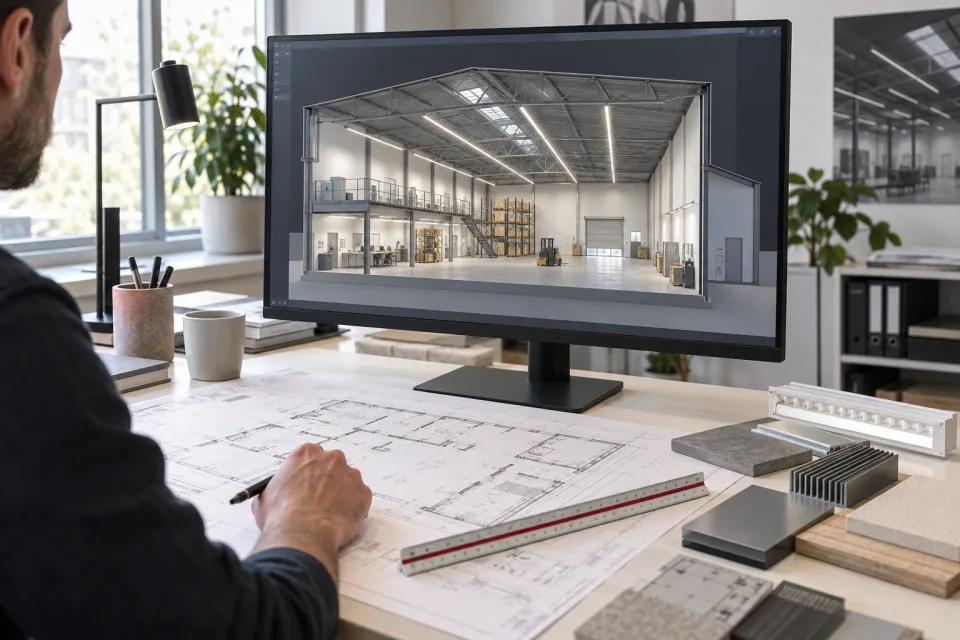
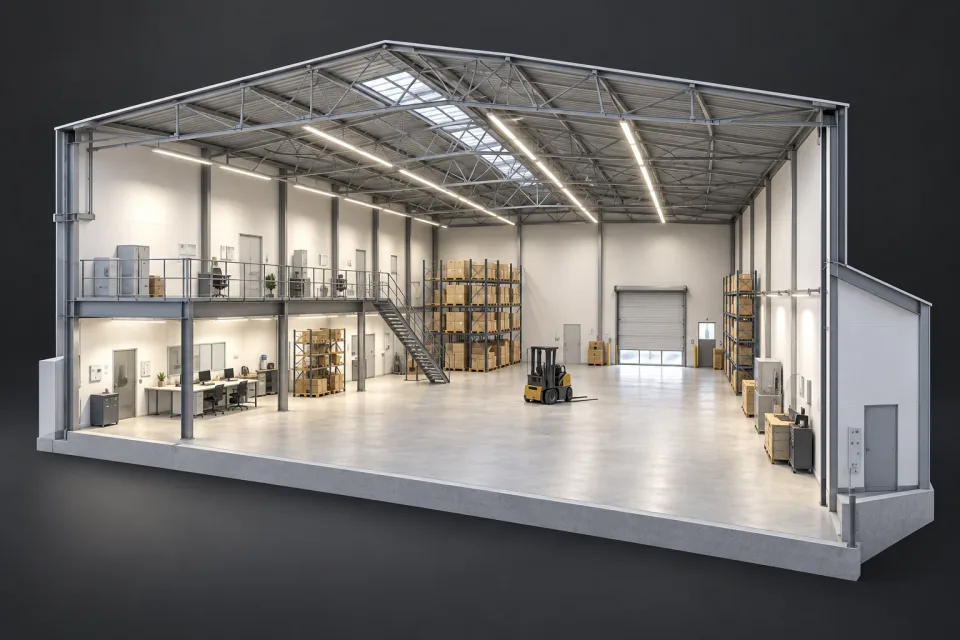
Using your drawings, dimensions and site information, we create a spatial model. Heights, windows, surfaces, shelving, machinery and workstations are represented where relevant to the lighting task. We account for how each space is used and where shelving, machinery or other fixtures may cast shadows.
In DIALux, we use photometric data for the proposed luminaires. We vary positions, mounting heights, optics and output, then calculate the effects on defined assessment surfaces. Depending on the task, these include vertical surfaces such as shelf faces or walls.
The 3D view makes the arrangement understandable. Decisions are supported by calculation results and documented assumptions: use, maintenance factors, reflectance and the requirements relevant to your project.
We calculate lighting on working and usable surfaces and compare it with the requirements agreed for the specific task. Assessment planes and heights are documented.
Average and minimum values are considered together, revealing bright patches, darker gaps and areas where different optics or positions may help.
We assess glare control using suitable luminaire data and room conditions. Screens, reflective surfaces and typical viewing directions inform the design.
We compare appropriate luminaire variants and operating scenarios. Daylight, presence zones, switching groups and user controls are included where relevant.
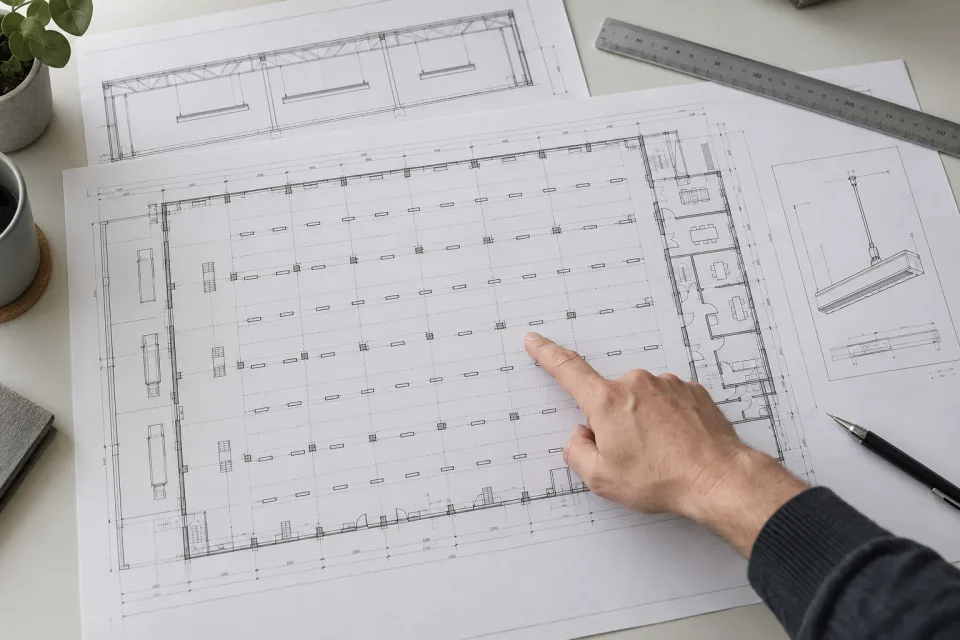
We translate the agreed lighting solution into clear CAD files and installation drawings. Positions, orientation, mounting heights and assignments are prepared so that designers and installation teams work from the same information.
Where mounting conditions require more detail, we add relevant views and details. Changes to the space, luminaires or layout are coordinated and incorporated into the approved drawing revision.
We agree design detail, file formats and deliverables at the start. Interfaces with electrical design and installation are coordinated with the responsible planners and contractors.
Discuss use, visual tasks, design goals, budget and programme. Record existing installations and special mounting conditions.
Build the model from floor plans, dimensions and supporting information. Define relevant surfaces, obstructions and working areas.
Evaluate luminaire variants and layouts in DIALux, explain the results and develop the appropriate solution with you.
Translate the agreed design into drawings, schedules and technical documents. Resolve mounting, control and commissioning questions with the project team.
Better starting information enables more focused planning. If some documents are missing, we will establish together what is needed first.
New construction, a change of use or renovation: share your starting point. We will discuss requirements, suitable options and the right scope for your lighting design.